Application email at SES sending rates, without operating an AWS stack.
Send transactional notifications and opted-in campaigns without managing an AWS email account, IAM policies or an SES production-access request. Bring domain setup, feedback handling and sending visibility into one managed service.
Less spent on the sending layer. $30/mo at 250,000 recipients. Postmark/SendGrid: 300k plans; Resend: 100k + overages. Bundles differ. USD at 250k recipient deliveries: Postmark Basic and SendGrid Pro include 300k; Resend Pro includes 100k plus 150k overages. Bundles differ; cheaper overage/negotiated alternatives may exist. Excludes data, add-ons and taxes.
Add your sending domain. Start with a domain you own. Follow its authentication setup. Illustrated setup flow. Sending is automatically approved after domain verification.
Publish your DNS records. SPF, DKIM and DMARC guidance, with records specific to your domain. Actual sendhog.com Cloudflare DKIM table, captured October 16. Use your own generated records; this is not a verification result.
Connect your app. Send by API. One application integration for notifications and opted-in campaigns. Illustrative request fields, not a runnable endpoint or a live send. Start with a controlled test recipient.
SES-rate sending. No AWS stack. Provider configuration, feedback handling and health visibility in one service. No customer-owned SES sandbox request. Verify your domain for automatic approval; account limits apply. New domains still build their own reputation.
Your domain. One sending API. Start with a verified domain and one application workflow. Expand to opted-in bulk sending. Sending is automatically approved after verification. Send only to permission-based recipients.
Price comparisons: Postmark $245/month; SendHog 87.8% less for the specified example. SendGrid $249/month; SendHog 88.0% less for the specified example. Resend $170/month; SendHog 82.4% less for the specified example.
Your email, not another infrastructure project.
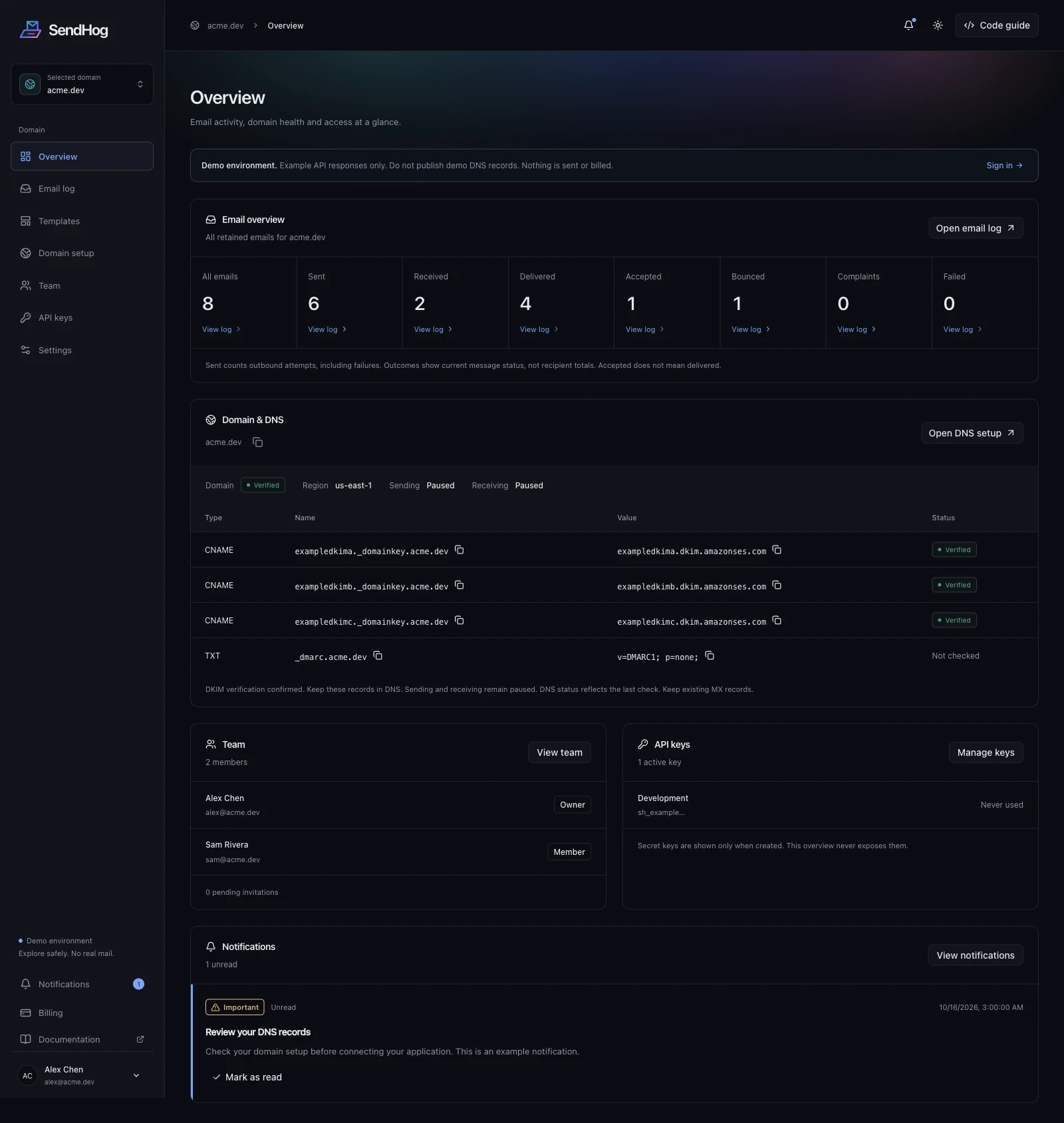
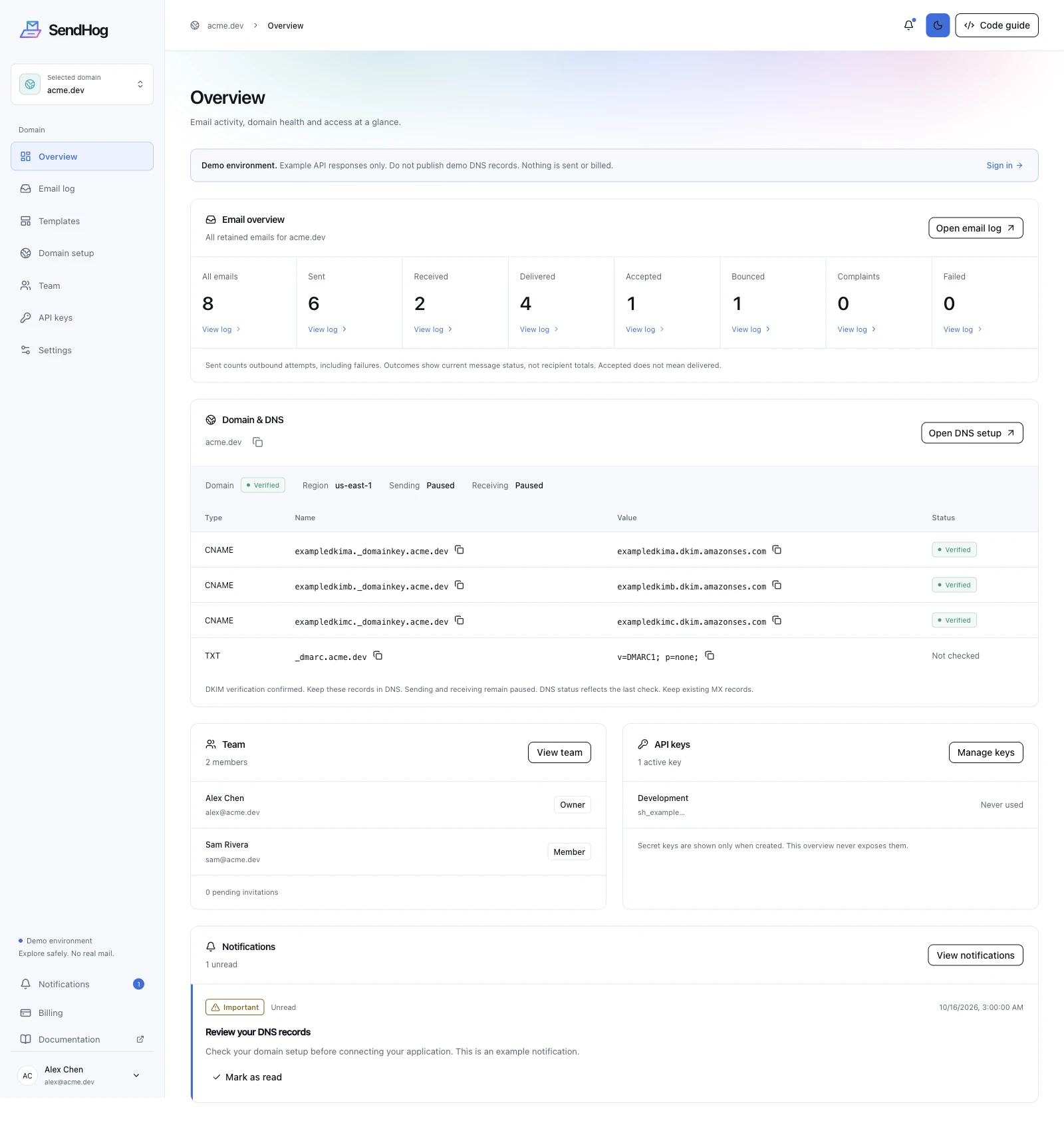
See delivery outcomes, check DNS and manage access in one straightforward dashboard. SendHog runs the AWS sending stack so you can focus on your application.
SendHog makes application email easier to start with. Your team connects the application instead of assembling and operating an AWS email stack.
No AWS account to operate
No customer-owned AWS account, access policies, or separate SES production-access request. SendHog manages the provider layer. Domain verification and abuse review still apply.
Guided authentication setup
Follow domain authentication guidance in one setup flow, then publish your domain records. New domains still build their own sending reputation.
A plan for your sending volume
Choose a monthly sending allowance for your application. Provider configuration is managed for you. Your account's daily allocation and sending rate are specified separately.
See sending health in one place
Review message history, bounce warnings, complaints and health indicators. Optional open and click tracking adds engagement signals, without guaranteeing inbox placement or human reads.
SES-rate sending allowances
SES-rate sending allowances, plus a disclosed platform fee for managed operations. Compare the complete bill, including data, add-ons and taxes.
More than an email transport
Reuse visual templates, organize opted-in campaigns, and schedule application email. Read the getting-started guide and begin with one verified workflow and a controlled test recipient.
Why start with SendHog?
SES supplies email infrastructure. Your application still needs setup, feedback handling, message history and ongoing monitoring. SendHog brings that work into a managed sending service built on Amazon SES.
Start with guided authentication and a plan for your monthly volume. Review sending health, reuse templates and manage subscriber communication without assembling separate AWS and application-side tools.
No customer-owned AWS sending account, IAM policy configuration or separate SES production-access request. Verification and abuse controls still apply.
SPF, DKIM and DMARC guidance
Domain-specific authentication records and verification checks in one setup flow. You publish the DNS records; the service guides the configuration.
Managed sending infrastructure
No IP pool to configure in your own AWS account. Connect your domain and application; new domains still build their own reputation.
Feedback and suppression records
Hard bounces and complaints feed recipient suppressions, alongside hosted unsubscribe handling for subscriber campaigns.
Sending history and health visibility
Review message history, bounce warnings, complaint counts and domain health indicators instead of building your own monitoring interface.
Provider-shaped SDKs
Use the supported SES, Postmark, Resend or SendGrid application methods with SendHog authentication and schema-validated results.
How much does SendHog cost?
Fixed monthly subscriptions with an SES-rate sending allowance and a disclosed platform fee. Your plan price stays the same whether you use some or all of the included allowance.
Published tiers with enough included email volume. Larger allowances are identified; lower-tier overage configurations may cost less and are not modeled.
Monthly base subscription plus the recurring email-credit tier in Brevo’s public USD catalog. Features, contact limits and branding differ. The 1M total needs fee confirmation.
Published monthly included-volume tiers, without annual discounts. Lower-tier overage configurations may cost less. Above 500k, the volume selector directs customers to sales.
Monthly USD estimates at full sending allowance. SendHog totals include the platform fee. Selected provider plans and any modeled overages are shown above; features and included capacity differ. Excludes taxes, trials, annual discounts, data and optional add-ons. Not a lowest-price guarantee or a custom quote. Provider logos are trademarks of their respective owners; no affiliation or endorsement implied.
Choose a plan to continue to dashboard billing after sign-in. Verify your domain for automatic sending approval. Checkout and payment details are securely hosted by Stripe; you return to dashboard billing afterward. No automatic overage charges.
How does SendHog work?
Verify your sending domain, connect your application and inspect message outcomes. Domain checks and sending controls apply throughout the workflow.
1
Verify a sending domain
Add the required DNS records to establish domain ownership and authenticate outgoing mail.
Application-triggered messages and communication with subscribers who have opted in. Unsolicited sending and scraped contact lists are outside the intended use.
Transactional email
Messages generated by an action or event in your application. Integrate email into existing product workflows and review message outcomes.
Account verification and password resets
Receipts, invoices and order updates
Product notifications and service alerts
Opted-in bulk email
Messages to an audience that has agreed to hear from you. Preserve consent, unsubscribe preferences and suppression records when migrating.
Subscriber newsletters and product updates
Lifecycle communication and announcements
Permission-based customer campaigns
Technical resources
Understand setup, API limits and the migration approach before changing your sending workflow.
Quickstart
Choose your SDK, verify your domain and send your first email.
Service scope, pricing assumptions and the requirements that remain part of managed sending.
Who is SendHog for?
Technical SaaS teams that need to send application notifications and opted-in subscriber campaigns. Plans cover 30,000 to 1 million outbound recipients per month.
How does pricing compare with Amazon SES?
The sending allowance is valued at $0.10 per 1,000 recipients, matching SES à-la-carte outbound pricing. Each SendHog plan also includes a platform subscription. The total bill is therefore not the same as raw SES. The pricing page separates the platform fee, allowance and comparison exclusions.
Is SendHog compatible with the AWS SES API?
SendHog-generated clients support SES v2 Simple application methods and results using SendHog authentication. Change client setup and imports; keep supported send calls. This is not an AWS-authenticated endpoint replacement. Postmark, Resend and SendGrid styles are also available; see the SDK compatibility guide.
Do sending domains still need verification?
Yes. Domain ownership, email authentication, recipient consent and anti-abuse requirements remain part of setup. A managed service does not remove those responsibilities or guarantee inbox placement.
Do I need an AWS account or an SES sandbox request?
The managed service operates the provider layer, so you do not set up your own AWS email account, IAM policies or SES production-access request. Sending is automatically approved after domain verification. Account limits and abuse protections apply.
Are new domains already warmed, and what are the sending limits?
A newly connected domain builds its own sending reputation; it is not automatically warmed by joining a provider. SendHog manages the sending infrastructure. The published plan is a monthly allowance, while daily limits and sending rates depend on account and provider configuration—not an unlimited starting-rate promise.
What should I prepare before integrating?
Choose one application workflow, confirm access to your sending domain’s DNS, preserve suppression and unsubscribe records, and identify a controlled test recipient. The getting-started guide explains the requirements and migration checks.
Help us improve SendHog
We use a cookie to remember your choice. If you accept, optional first-party analytics uses browser storage to measure visits, button clicks and browsing paths. Cloudflare also provides aggregate request statistics. No session replay or advertising trackers. Privacy details
Your browser privacy setting blocks optional analytics, even if you accept.
 SendHog